How to Choose KDP Categories for Your Book
On this page
- Why your category choice matters
- Step 1: Start from your book, not the category list
- Step 2: Read the full category path
- Step 3: Check that the books in the category sell
- Step 4: See how crowded it is and how old the books are
- Step 5: Find the category's busy months
- A worked example
- Choosing more than one category
- Changing categories later
- What can go wrong
- How NicheWise does this faster
A category is the way Amazon sorts books into groups: a path like Books, then Humor & Entertainment, then Puzzles & Games. Your book sits in one or more of these paths, and buyers who browse a category see its top books first.
To choose the right ones, check three things for each category you are considering: whether the books in it sell, whether it is crowded with older books, and when it is busy. You can do all three in a browser, for free. This guide is for self-publishers on Amazon KDP, whether you are about to publish a first book or are fixing the categories on an old one.
Why your category choice matters
Categories do two jobs. They put your book in front of shoppers who browse instead of search, and they decide which books yours is ranked against on Amazon's category bestseller lists.
A category with books that sell well and a few new names on its list is a good home. A category where only five huge titles ever sell is hard to climb. A category that is quiet all year has few buyers to find you. The category that "sounds right" is often not the one that serves you best, so it is worth ten minutes of checking.
One caution first. Amazon does not publish how many copies a book sells, so every sales figure outside Amazon is an estimate. What you can see for certain are the facts on each book's page: its Best Sellers Rank, review count, price and publication date. This guide uses those.
Step 1: Start from your book, not the category list
Write down who the book is for and what it does for them in one sentence. "Large print word search for seniors." "A cozy mystery set in a lighthouse." "A budget planner for freelancers."
Then think of the two or three broad areas a shopper might look in to find it. A word search book could sit under puzzles and games, or under activity books for seniors. A mystery could sit under a mystery subgenre or a setting. Picking from the book outwards keeps you from choosing a category only because it is big.
Be honest about the match. Shoppers who land on a list that does not match your book do not buy. A category that fits is worth more than a bigger one that does not.
Check it yourself: search three books like yours on Amazon. Open each book page and scroll to Product details. Under Best Sellers Rank you will see the categories each book appears in, with its rank in each. Write down every category path you find.
Step 2: Read the full category path
A category is a path, and the last step is the one that matters. "Books > Self-Help" is a huge area. A path that goes four levels deeper is a specific corner where your book can stand out. When a path ends in something narrow, a good rank in it is easier to reach.
Read each path from left to right and ask whether a shopper in the last level would want your book. If the path is too broad, go down a level. If it is so narrow that it describes only a handful of books, it may have few buyers.
Check it yourself: on Amazon, click the category links in the Product details of a competing book (a reverse ASIN lookup shows the phrases that same book is found for). Each one opens that category's bestseller list. Note how many levels deep the path goes and what sits one level below it.
Two small habits help. First, keep a simple list with one row for each category: the path, the rank of the top book, and the date you looked. Second, look at the categories of the books you would most like to sit next to, not only the biggest ones. Shoppers who browse beside those books are the ones most likely to like yours.
Step 3: Check that the books in the category sell
Open the bestseller list for each category you are considering and look at the first page. Check each book's Best Sellers Rank. If most sit in the tens of thousands or better, buyers are turning up. If most sit in the hundreds of thousands or millions, the category is quiet.
Rank moves all day, so look on more than one day. A single book with a great rank and nine with poor ones means one book sells, not the category. If you want to understand what a rank means, the guide to Amazon Best Sellers Rank explains it in plain words.
Check it yourself: open the list for a category, write down the rank of the top ten books, and repeat on another day. Do the same for a second category and compare.
Pay attention to the gap between the first book and the tenth. A list where the tenth book still ranks in the tens of thousands is a healthy one: buyers are spread across many titles. A list where the first book is far ahead and the tenth is in the hundreds of thousands means a few books take most of the sales, and a newcomer has to beat them to be seen.
Step 4: See how crowded it is and how old the books are
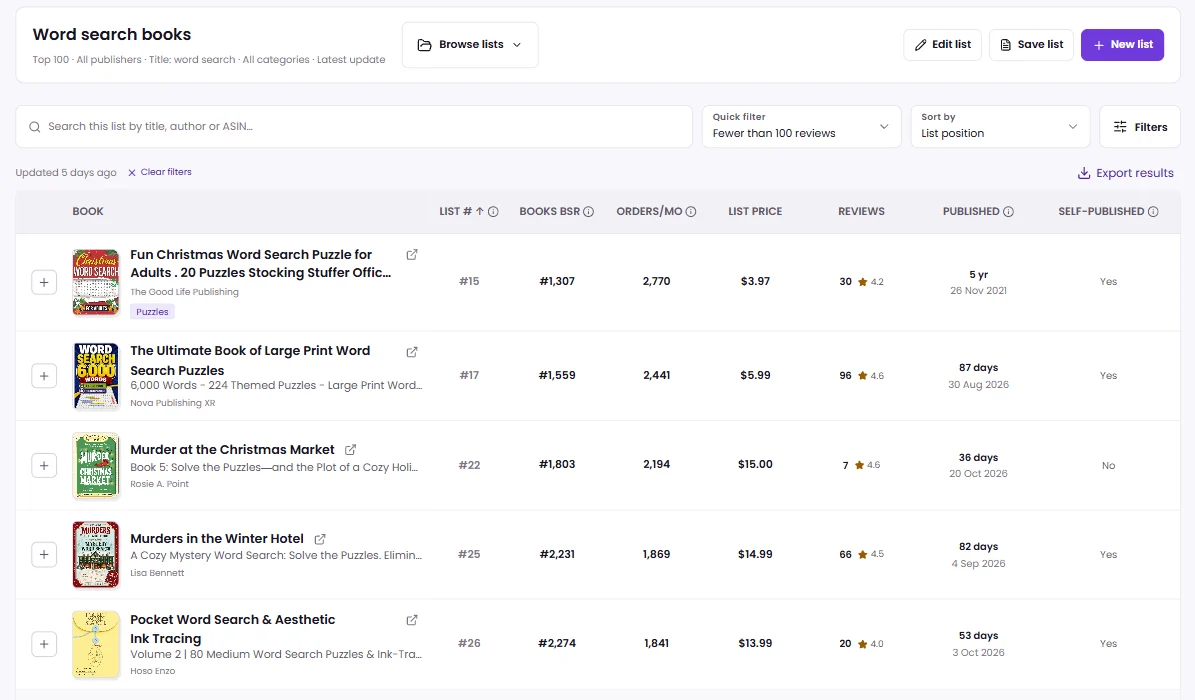
Look at the publication dates and the review counts of the top books. If every book on the list is four years old and has thousands of reviews, a new book starts a long way behind. If you see books from the last year doing well, the list is open to newcomers.
This is the same check you make when you look for a niche. If you have not done that yet, start with the guide on KDP niche research, because a category only helps a book that has a clear reader and a clear need.
Check it yourself: count how many of the top 20 books came out in the last 12 months. A third or more is a good sign. Also open the top three and read their review counts. A few reviews on a top book means the list is easy to enter.
Then read the one and two star reviews of those top books. They tell you what buyers in this category wanted and did not get: print too small, puzzles too easy, a plot that dragged. If you can fix one of those, you have a reason to be in this category and a line for your description.
Step 5: Find the category's busy months
Some categories sell about the same all year. Others have a busy stretch: cooking books before the holidays, planners in December and January, cozy books in autumn. A category's busy months tell you when its buyers are around.
If your book fits a category that is busy in November, it should be live and settled in well before then. Miss it and you wait a year for the next one.
Count back from the busy months. Allow time to make the book, then a few weeks for it to settle in. For a category that peaks in October, aim to publish by late August. A book that is live early has time to collect its first reviews and its first ranks before the buyers arrive.
Check it yourself: look at the review dates on the top books in the category. A run of reviews in the same months each year points to the busy months. A category with reviews spread evenly through the year sells steadily.
Keep in mind that a category's busy months cover the whole category. Your own niche inside it can have a different pattern, so check your niche as well.
A worked example
Say you are about to publish a large print word search book for older adults. Here are four lists such a book could sit in, side by side in NicheWise:
| Puzzles & Games | Word Search Games | Word Games | Teen & Young Adult Hobbies & Games | |
|---|---|---|---|---|
| Rank needed for #10 | #477 | #722 | #790 | #1,397 |
| Reviews of the top 10 | 1,950 | 1,315 | 311 | 2,994 |
| Self-published books | 42% | 68% | 63% | 70% |
| Busiest months | December | Steady all year | Steady all year | November to December |
Read it with the steps above.
- Word Games looks the most open: the top 10 books have about 311 reviews and most are self-published. Word Search Games is the closest fit by name. But NicheWise marks both "Not on KDP": Amazon lists books there, but KDP does not offer them when you publish, so you cannot choose them.
- Teen & Young Adult Hobbies & Games has the most self-published books, and its top 10 needs the fewest sales. But its browsers are teenagers, and a large print book for older adults would be in the wrong place.
- Puzzles & Games is the hardest of the four. You need a rank near #477 to make its top 10, and sales jump in December. It is also the right reader, and you can choose it in KDP.
So the close fit is Puzzles & Games, published by October so it has time to climb before December. Next to it, you would look for a narrower list you can choose and that word search books also sit in.
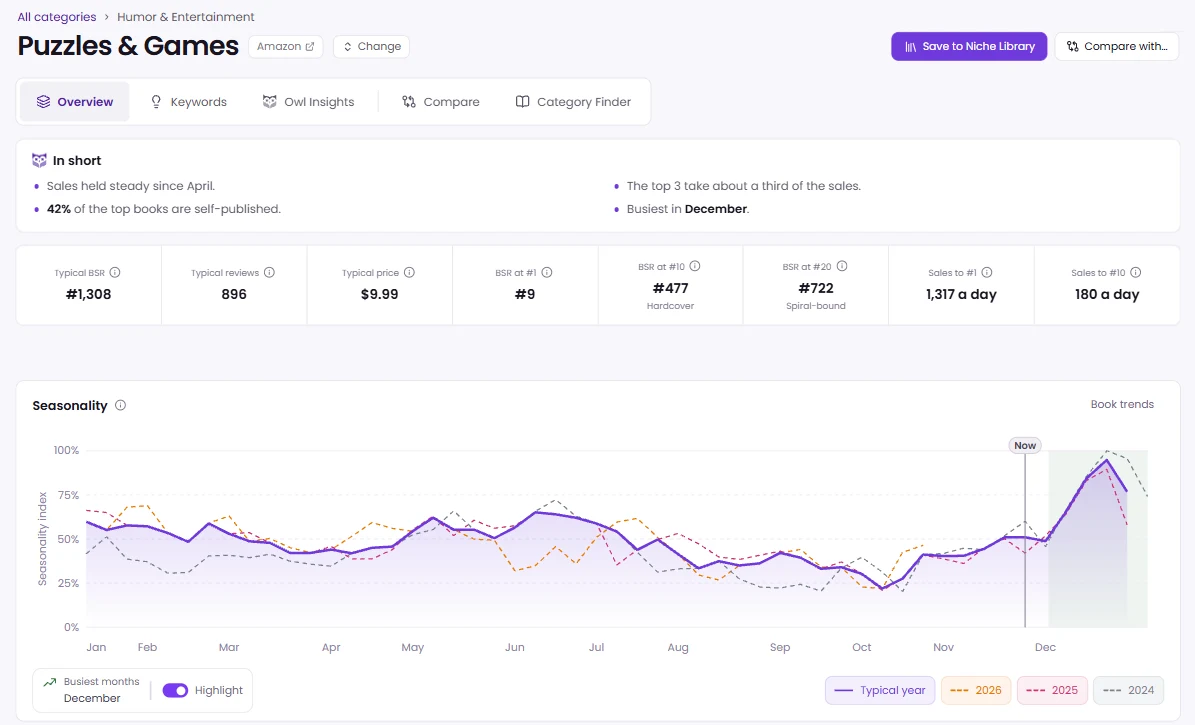
The point of the example is the comparison. Two categories can both sound right for a book, and one of them can be quiet where the other is busy, or crowded where the other is open. Checking before you publish costs you ten minutes. Choosing wrong costs you a launch.
Choosing more than one category
Most books fit more than one category, and it helps to choose them as a set. Pick one that is broad and busy, one that is narrow and open, and one that is a close fit for the exact reader. A broad category shows your book to many browsers. A narrow category is where a good rank is easiest to reach, and a good rank on a list is what puts your book in front of buyers. A close fit keeps the shoppers who arrive happy.
Do not pick three categories that are all crowded. A book that sits at the bottom of three big lists is seen by nobody, and a book near the top of one small list is seen by everybody who browses it.
Changing categories later
Categories are not a one time choice. A list that was open when you published can fill up with new books, and a list that was quiet can wake up. Look again after a month, and again before the busy months arrive. If your book is not climbing in its categories and a better fit is open, move it. Read what Amazon's KDP help says about changing categories for the current steps, because the rules and the screens can change.
What can go wrong
Every sales figure outside Amazon is an estimate, worked out from rank. It is close enough to compare categories, not to plan your rent. A category with few books or little history gives less to go on, so check it again a month later. A missing figure means no figure was found. It never means a category sells nothing.
There is also a limit in the choice itself. The best category on paper can still be wrong for your book if shoppers in it would not want what you wrote. Always ask whether the buyer in that category would pick your cover and your description.
How NicheWise does this faster
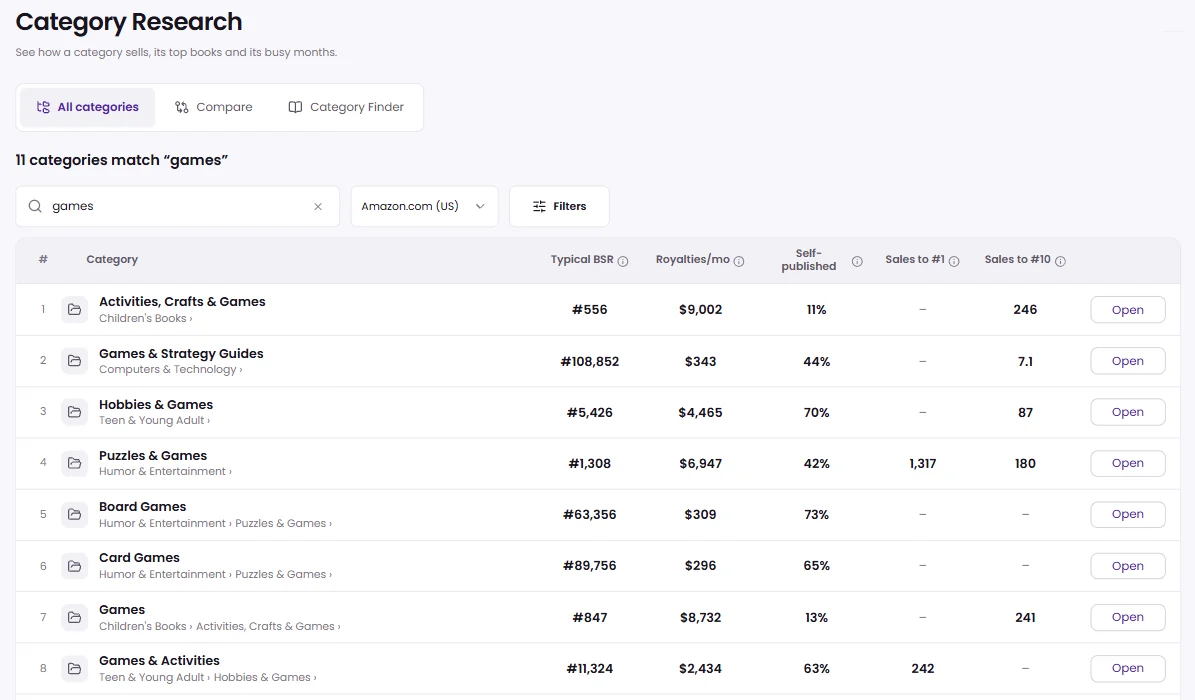
The five steps above take about fifteen minutes per category. Category Research does the checking for you.
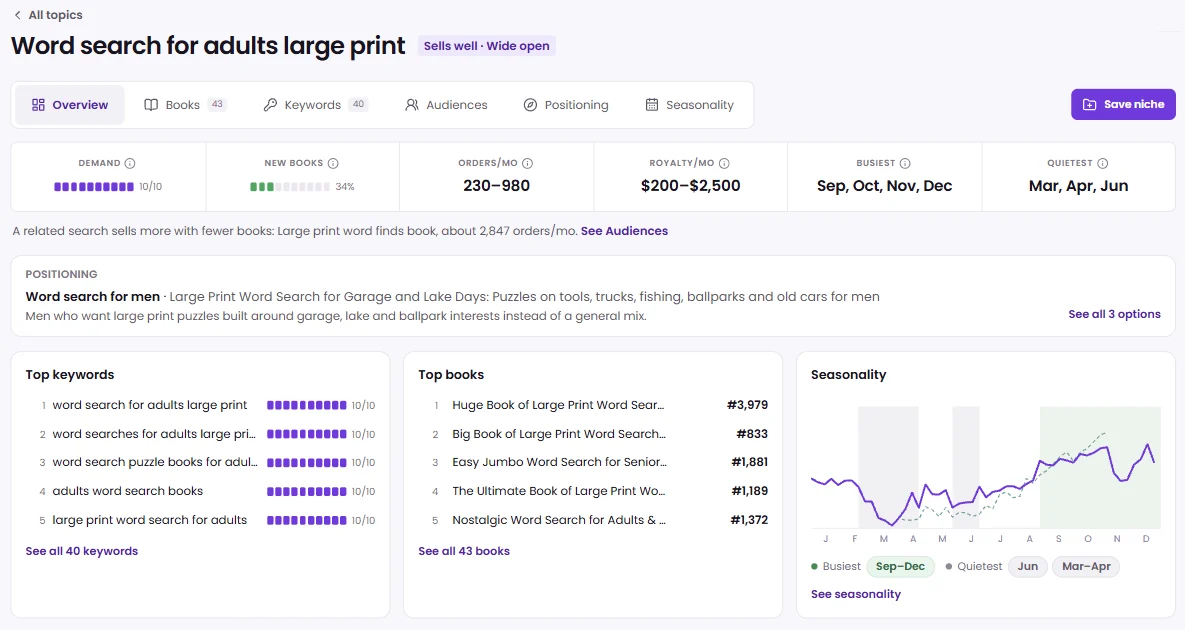
Open Category Research, start on All categories and browse down from a top category until you reach the one you want. The Overview tab shows the category path, Typical BSR, Typical reviews and Typical price, a Seasonality chart with Busiest months and Quietest months, and the Category leaders. Click View monthly leaders to see who led month by month.
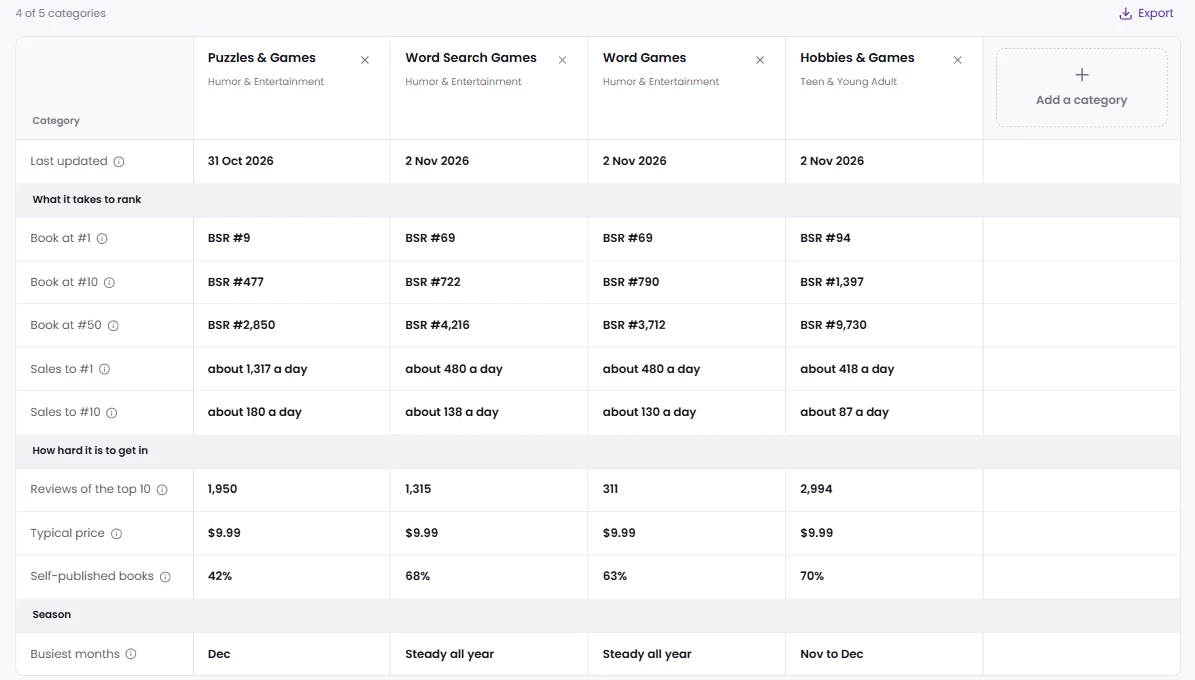
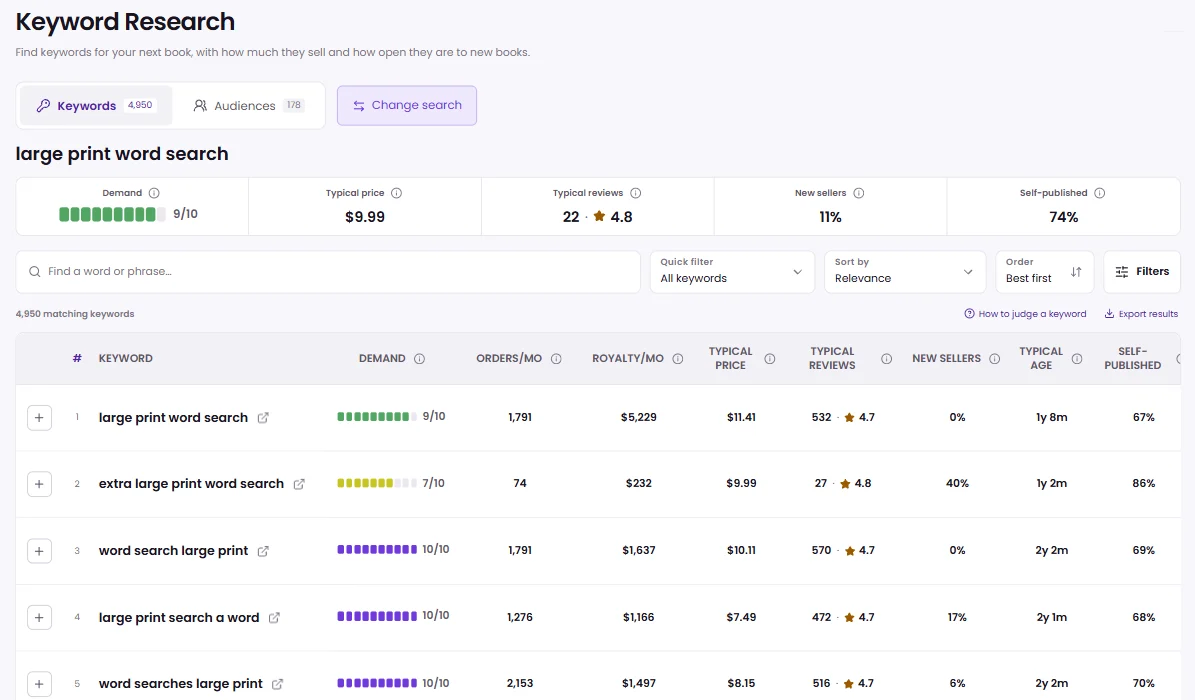
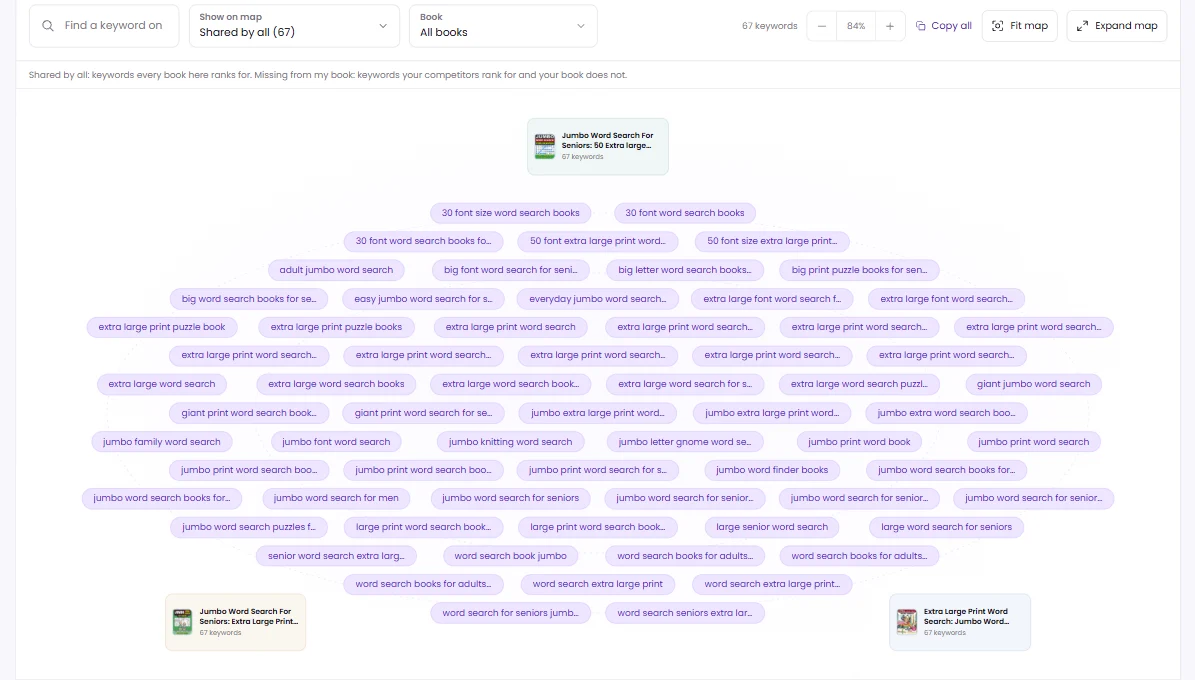
The Compare tab puts up to 5 categories side by side, so you can see which is busy, which is crowded and which is open. The Keywords tab lists searches where several of the category's top books show on page one, which is a good start for your 7 KDP keywords.
If you are not sure where your book belongs, use Category Finder. Add a book or some keywords, click Find categories, then tick My pick on up to 3 and click Save to Niche Library to keep them with the rest of your niche.
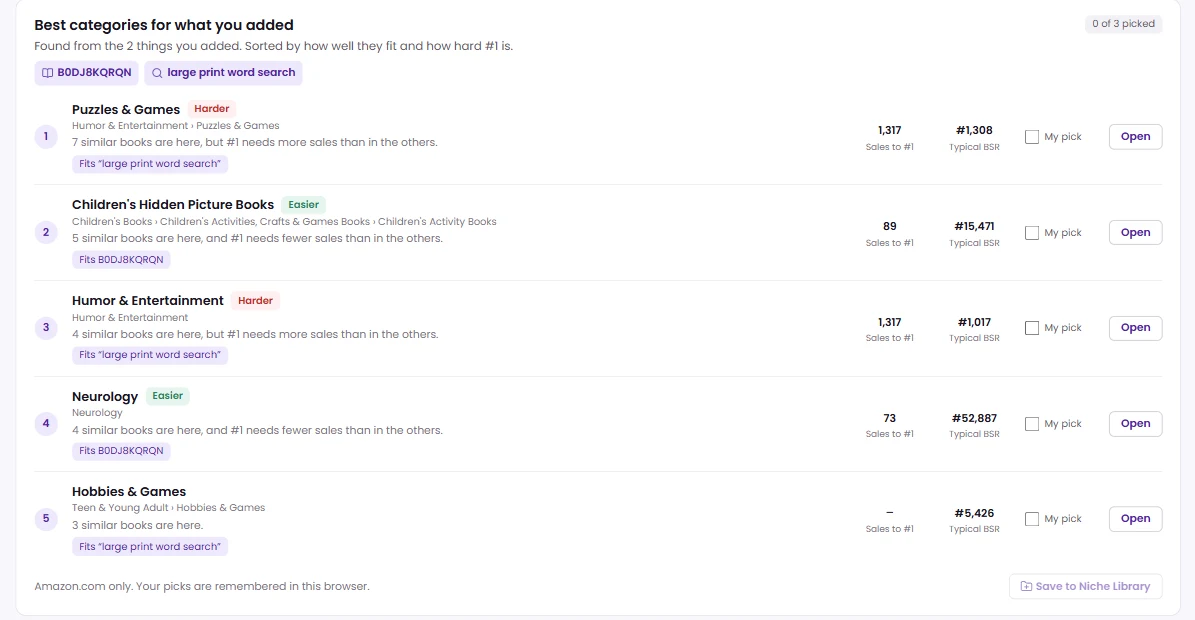
On the free plan, Category Research opens Children's Books, Health, Fitness & Dieting, and Self-Help with their figures. Other categories show a Pro lock. Seasonality and monthly leaders open for those same three. Pro opens every category, and when a category has not been researched yet, Pro can click Request research to ask for it.
Put the three checks side by side, and the choice usually makes itself.