What Is Amazon KDP? A Plain Guide to Kindle Direct Publishing
KDP stands for Kindle Direct Publishing. It is Amazon's own service for publishing books yourself. You upload a book, set its price, and Amazon sells it on its stores. When someone buys a paperback or hardcover, Amazon prints that copy and ships it, so there is no stock to buy and nothing to store. You keep the rights to your book, and you can change the price, the description or the files later.
This guide explains what KDP is, what it costs, how you get paid and what KDP Select does, so you can decide if it is right for your book. It is written for new self-publishers, and for anyone who has heard of "Amazon KDP" and wants the plain version.
What you can publish on KDP
KDP publishes three formats:
- Kindle eBooks, read on Kindle devices and the Kindle app.
- Paperbacks, printed when each order comes in.
- Hardcovers, printed the same way, at a higher printing cost.
Many books can go out in all three, though a hardcover needs at least 75 pages. Low content books, such as journals, logbooks, planners and puzzle books, are print books: they are meant to be written in, so they make sense as paperbacks and hardcovers, not eBooks.
What KDP costs
Publishing on KDP is free. There is no fee to set up an account, upload a book or keep it on sale. For print books, KDP also gives you a free ISBN, though that ISBN can only be used for your KDP edition. eBooks need no ISBN at all; Amazon gives each one an ASIN, its own product code.
The printing cost of a paperback or hardcover is not paid up front. It comes out of each sale, before your royalty. What you may choose to pay for is outside KDP: a cover designer, an editor, illustrations, or ads on Amazon once the book is live.
How KDP royalties work
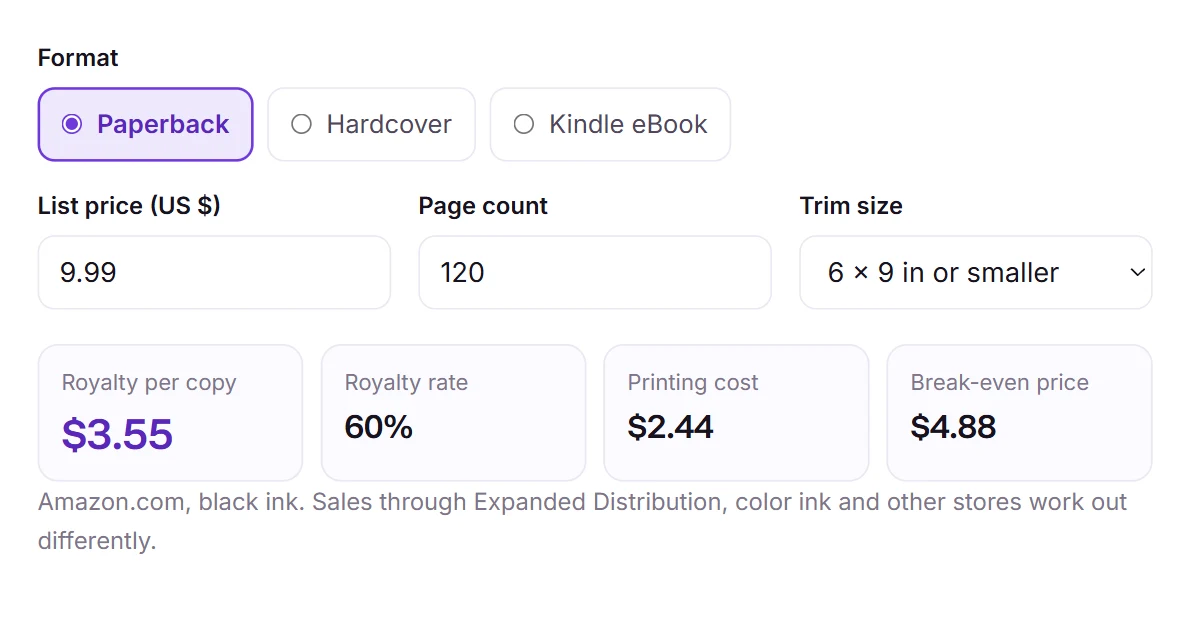
A royalty is your share of each sale. For paperbacks and hardcovers on Amazon.com, it is 50% of the list price below $9.99 or 60% from $9.99, minus the printing cost. For Kindle eBooks, it is 70% for list prices from $2.99 to $12.99, minus a small delivery cost, or 35% outside that band.
A 120-page 6 x 9 paperback at $9.99, for example, costs $2.44 to print and earns $3.55 a copy. The KDP royalty calculator works it out for any price, page count and format.
When KDP pays you
KDP pays royalties about 60 days after the end of the month the sale happened in. A sale in January is paid at the end of March. Sales through Expanded Distribution, which sends your paperback to bookstores and libraries, take longer.
Payment goes to your bank account by direct deposit, with no minimum amount. Wire transfer and check are also offered in some places, and those have a minimum of $100 in the US.
What you need to get started
- An Amazon account to sign in to KDP.
- A tax profile. KDP asks a few questions about you and where you pay tax. You cannot publish or sell until it is complete.
- Bank details for your payments.
- Your book files: the interior (a manuscript or a print-ready PDF) and a cover. KDP has a free Cover Creator if you do not have a cover yet.
Then you fill in the book's details: its title and subtitle, a description, up to 7 keywords and up to 3 categories, and its price.
How long until your book is live
KDP reviews each new book before it goes on sale. Most go live within about 3 business days. The book's page for an eBook, and for a print book on Amazon.com, usually appears within 72 hours. A first book can take a few days longer, and low content and activity books can take a few weeks.
What KDP Select is
KDP Select is an optional program for eBooks. You agree to sell the eBook only through Amazon for 90 days at a time, and it renews unless you switch it off. Your paperback and hardcover can still be sold anywhere.
In return, the eBook can be read by readers who borrow it through Amazon's Kindle reading subscription, and you are paid for the pages they read from a shared monthly fund. You can also run a short price promotion, or offer the book free for up to 5 days in each 90-day term. Whether Select is worth it depends on the book: it suits eBooks that readers binge, such as genre fiction, more than print-only books.
Is KDP worth it?
KDP is free to try, and the risk is mostly your time. What decides whether a book sells is not KDP but the book you choose to make. Many books sell a few copies a year. Others, in niches where buyers outnumber good books, sell every day.
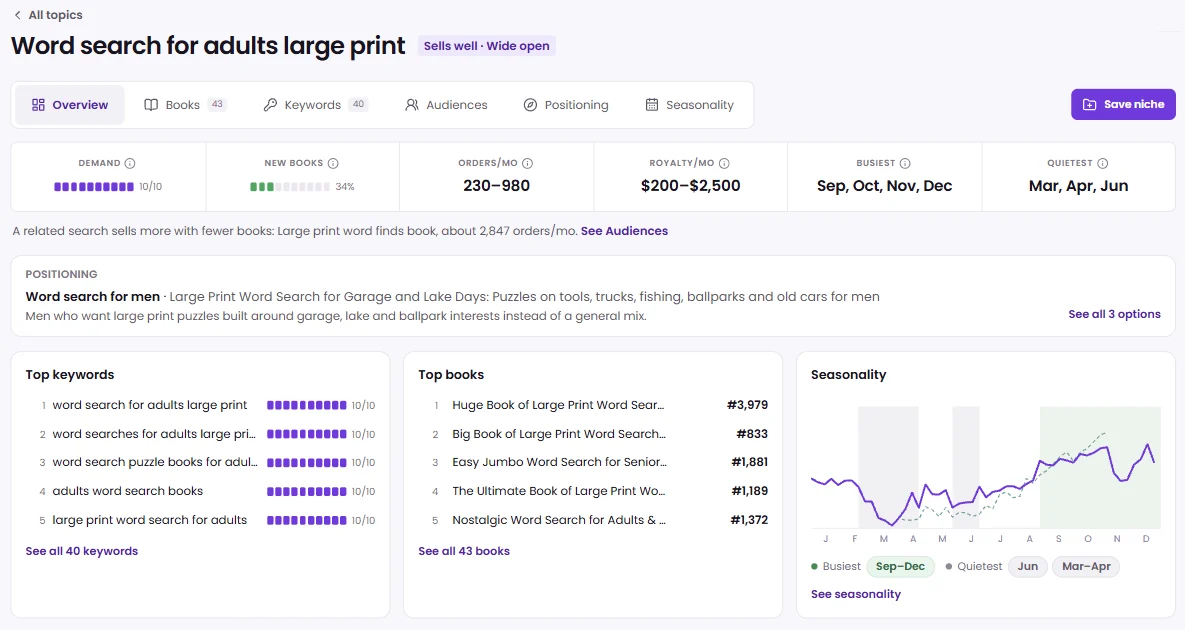
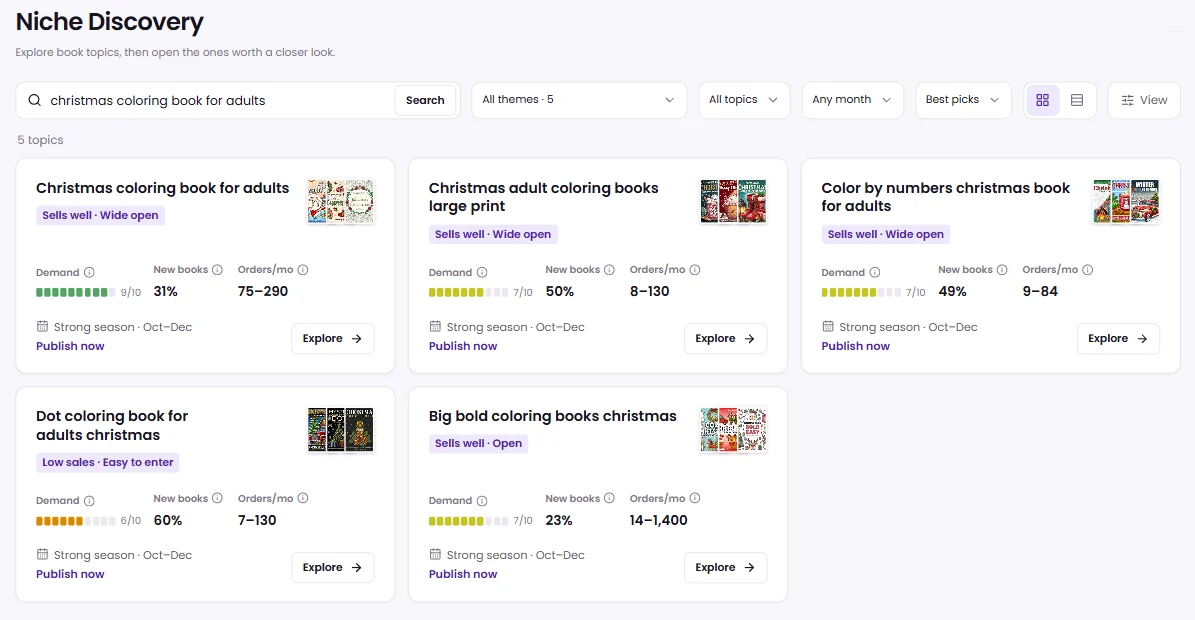
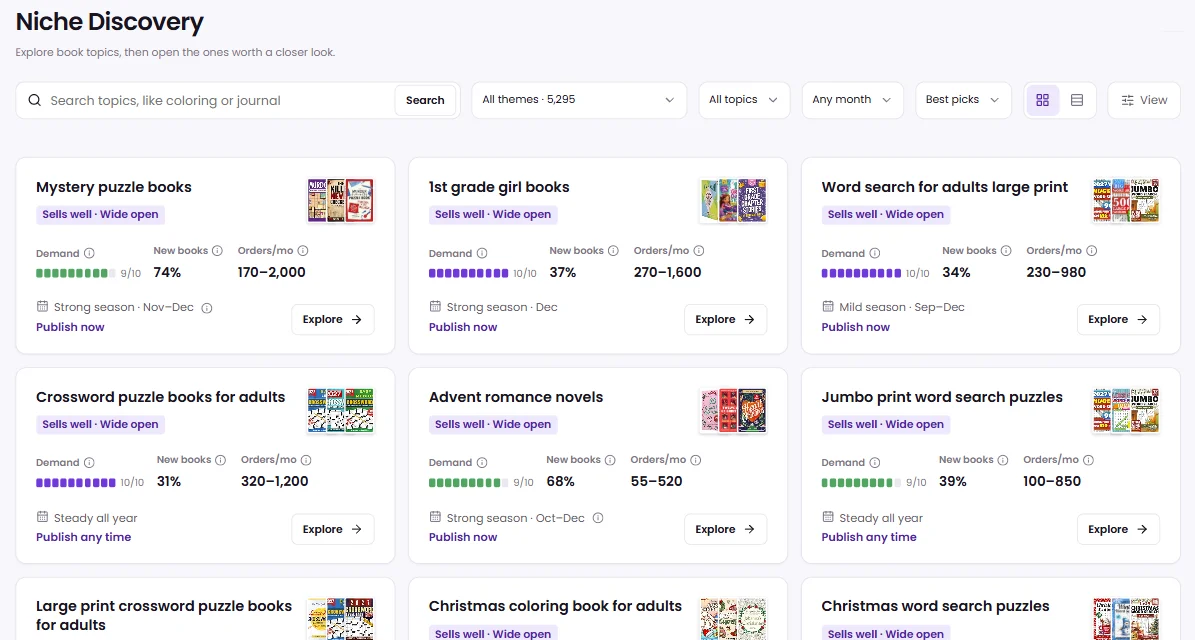
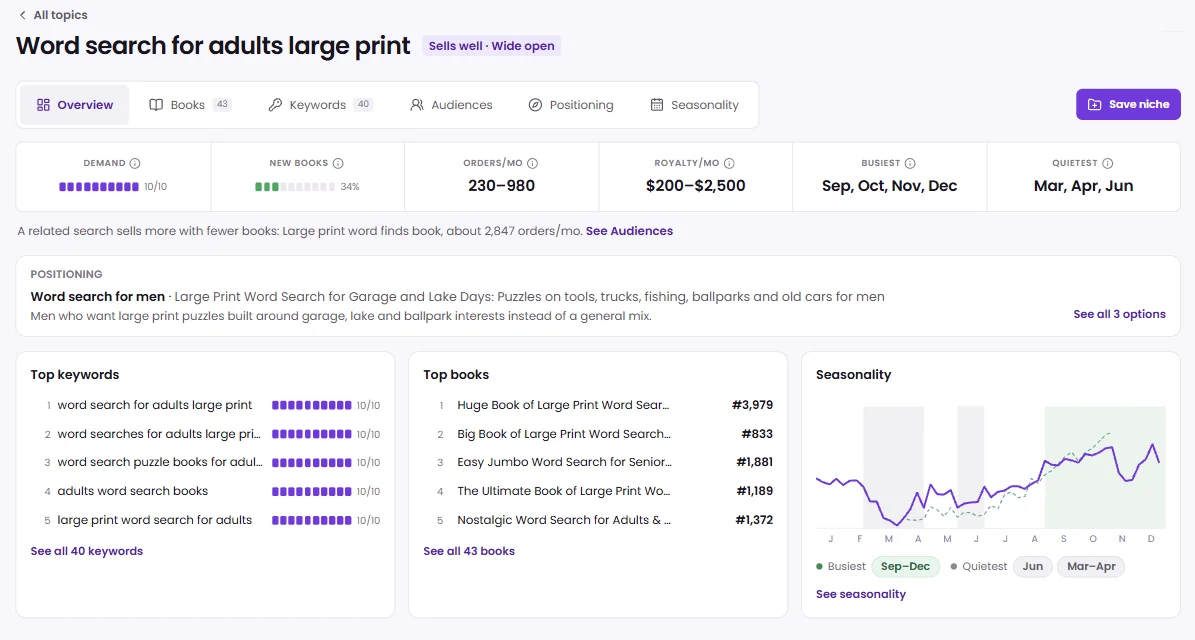
So before you write a word, check that people already buy books like the one you have in mind, and that new books still get a look in. The guide to finding a book niche that sells shows how, for free, in a browser. Then how to sell books on Amazon walks through every step from idea to first sale.
A few KDP words you will see
- ASIN: Amazon's product code for a book. Every edition has its own.
- BSR: Best Sellers Rank, the number on each book page that shows how it sells compared with other books. A lower number sells more. See what Best Sellers Rank means.
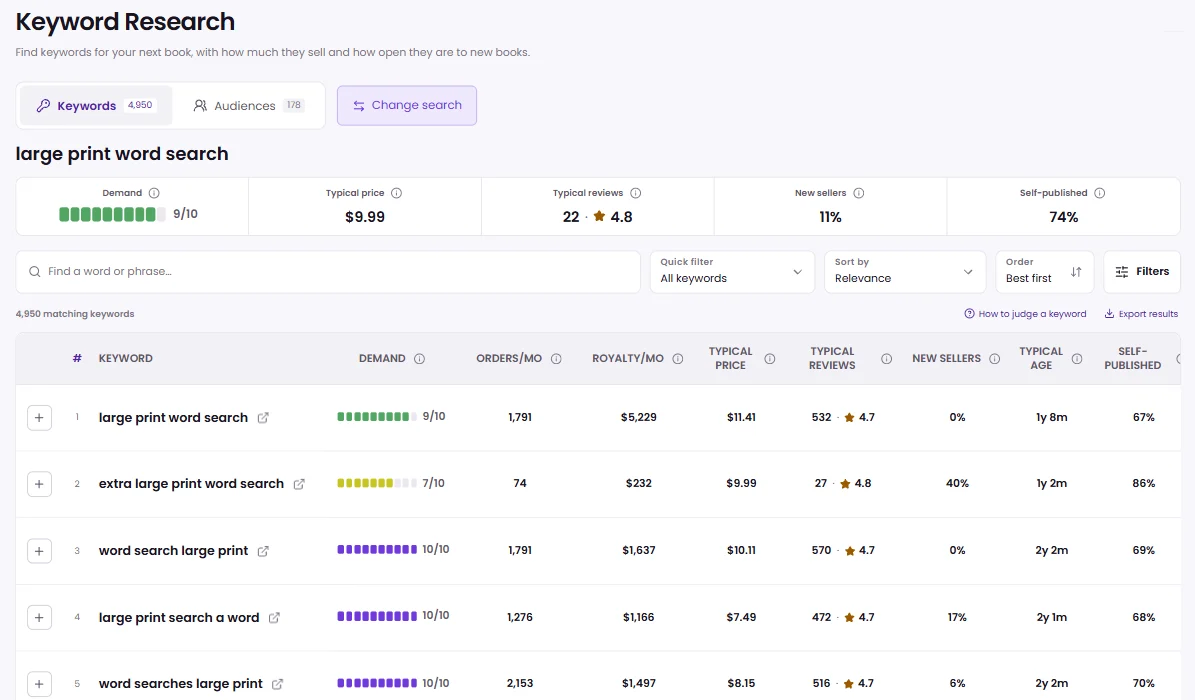
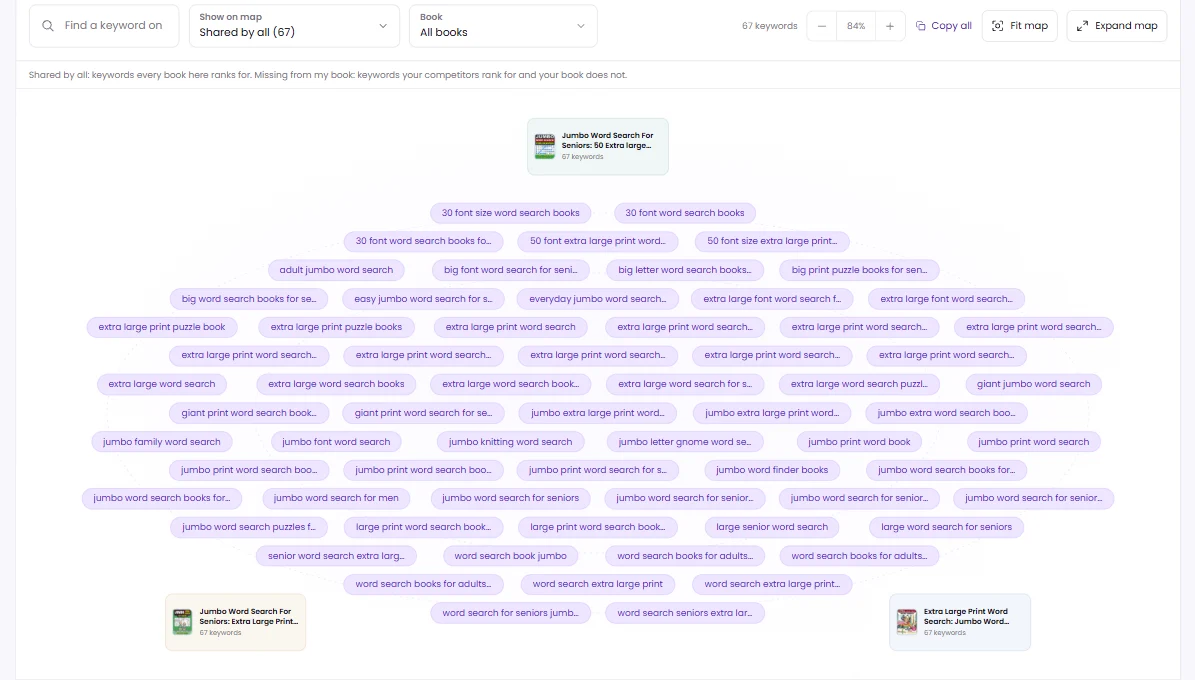
- Keywords: up to 7 words or short phrases you give KDP, so the book shows up when shoppers search. See KDP keyword research.
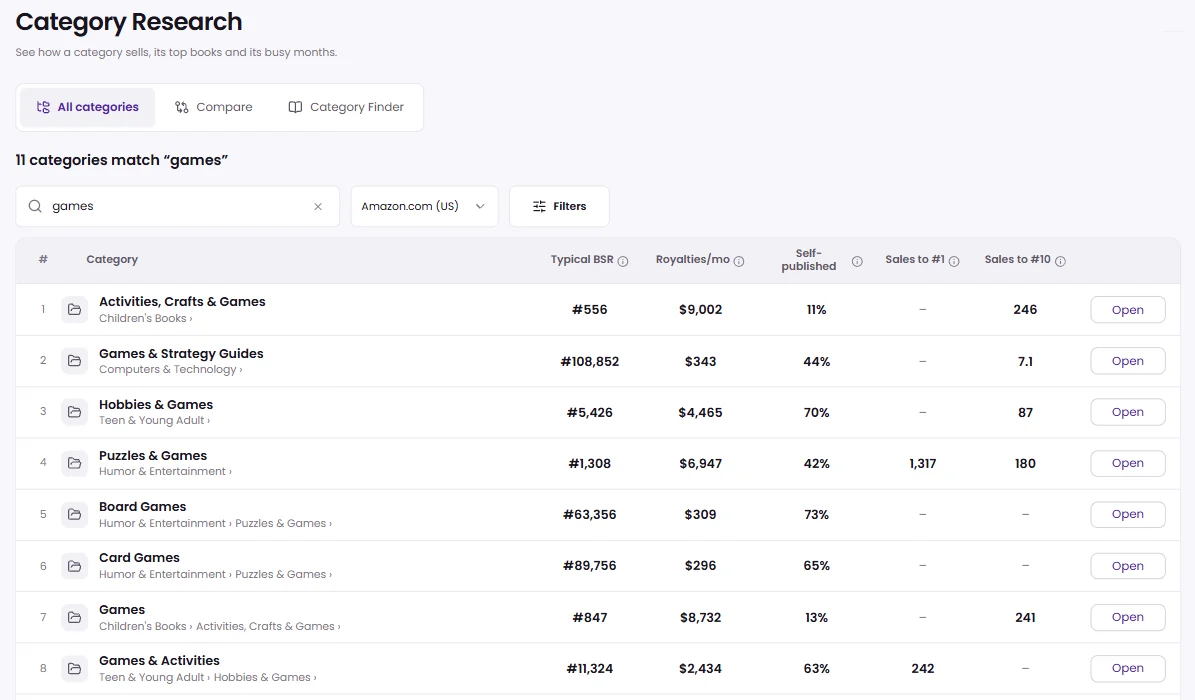
- Categories: the sections of Amazon's store your book sits in. You choose up to 3. See how to choose KDP categories.
- List price: the price you set. Your royalty is worked out from it.
NicheWise is not affiliated with Amazon. KDP's own help pages are the final word on its rules, which Amazon changes from time to time.